What's new in Upheal payments: a complete picture of client billing, balances, and history
What changed at a glance
- See every client's balance: what they owe, what they've paid, any credit on account
- Log any payment method (cash, Venmo, Zelle, check) without connecting Stripe
- Take partial payments; the remaining balance carries forward automatically
- Split a single payment across multiple open invoices
- Apply client credits directly to open invoices
- Pull a full client statement at any time, for FSA reimbursement, out-of-network claims, or tax records
- Ask Upheal Assistant billing questions in plain language and navigate directly to payment screens
Why this required a model change
The original Upheal client payments was designed around a simple, common flow: session happens, invoice goes out, client pays in full by card. That works for part of the therapist population, some of the time.
But talk to therapists running actual caseloads, and you find something messier: payments that come in by Venmo or cash, invoices paid partially with the balance carried forward, credits sitting on an account from a previous overpayment, a client who wants to split a payment across two methods, statements needed at year-end for FSA reimbursement. "Everything is a la carte and pieced together," as one therapist described it on a sales call.
None of this is unusual. It is how billing in a therapy practice actually works.
The reason earlier versions of Upheal billing struggled with these scenarios is architectural. Payments were attached to invoices; there was no independent concept of a payment, a credit, or a refund as its own object. That made partial payments awkward and cash logging cumbersome.
The update that shipped this week changes the underlying model. Payments, refunds, and credit notes are now proper records in their own right. A client has a ledger. Invoices sit alongside that ledger. What a client owes, what they have paid, and what credit sits on their account are all tracked independently.
That architecture is also exactly what insurance billing needed, which is why insurance billing is now live, built directly on this ledger model.
What you can do today
Log any payment method without Stripe. Cash, check, Venmo, Zelle, or any external method can be recorded directly against a client's account. Stripe is not a prerequisite for basic invoicing and record-keeping. It remains available if you want to collect card payments through Upheal, but it is no longer required for everything else.
Take partial payments without editing the invoice. Log what a client paid and the remaining balance carries forward automatically. The invoice reflects what was actually billed; the payment record reflects what was actually paid. No manual adjustments, no mismatch.
Split one payment across multiple invoices. If a client sends a single check to cover several open invoices, apply it across all of them in one step.
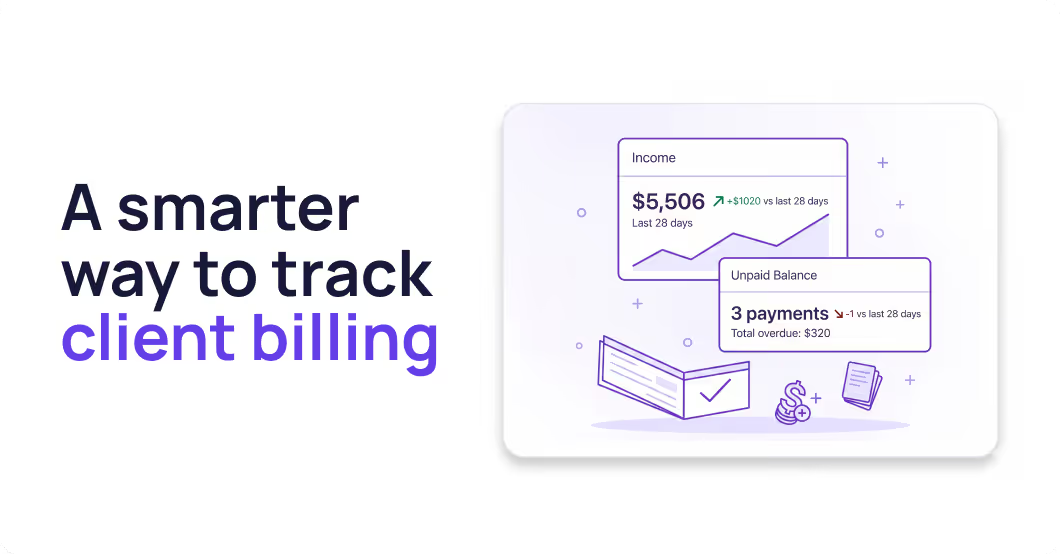
See every client's balance at a glance. Outstanding invoices, unallocated payments, and credit on account are all visible together on the client's record.
Apply credits to open invoices. When a client has credit on their account (from an overpayment or a refund), apply it directly to any unpaid invoice.
Generate receipts and refund confirmations automatically. Every payment and refund produces a clean record the client can receive, reducing follow-up emails about whether something went through.
Pull a full client statement at any time. Every charge, payment, credit, and adjustment in chronological order, ready to send for FSA reimbursement, out-of-network insurance claims, or year-end tax records.
Manage billing across your whole practice from one account. If you run a group practice, you can create invoices, charge clients, and log payments on behalf of any provider in your practice. You can also generate superbills and statements for their clients, all from your own account.
See how Upheal's updated billing works →
Upheal Assistant now understands your billing
With this update, Upheal Assistant understands your billing records alongside your session notes, treatment plans, and assessments.
You can ask it questions in plain language: Which clients have an outstanding balance? What has Sarah paid this quarter? Navigate me to the payment screen for today's session. It takes you directly to the right place with the form pre-filled.
One deliberate limit: the Assistant does not collect payment autonomously. Actions that move money (charging a card or sending a payment request) always require your confirmation. The Assistant prepares the action; you decide whether to complete it.
Who this affects most
Private pay practices that have been avoiding Stripe. The gate is gone. You can log cash, check, and Venmo payments, generate invoices, and produce receipts without connecting a payment processor.
Practices with clients who occasionally can't pay in full. Partial payment support means the billing record reflects what actually happened, without manual invoice edits or workarounds.
Group practices with admin staff. Client balances and statements are accessible from any client record with appropriate permissions, giving admin visibility into outstanding balances without requiring clinicians to manually report what they collected.
What is live and what is coming next
Live in the Upheal EHR:
- External payment logging (cash, check, Venmo, Zelle) without Stripe
- Partial payments with automatic balance carry-forward
- Split payments across multiple invoices
- Client balance overview
- Credit application to open invoices
- Receipts and refund confirmations
- Full client statements on demand
- Upheal Assistant billing integration
- Insurance billing: claims submission, ERA processing, and eligibility checks, built directly into the platform.
- Client billing in the portal, so clients can view invoices, payment history, and balances without contacting you
- Client self-pay in the portal, so clients can pay outstanding invoices directly from their portal
Coming soon:
- Upfront payments for self-scheduled sessions, requiring payment at booking to reduce no-shows
- No-show and late cancellation fees, with automatic fee charging when sessions are marked no-show
Follow all of these at the Upheal roadmap →
Frequently asked questions
Do I need Stripe to use the updated billing?
No. You can log cash, check, Venmo, Zelle, or any external payment without connecting Stripe. Stripe is available if you want to collect card payments directly through Upheal, but it is not required for invoicing or record-keeping.
What is a client ledger in therapy billing software?
A client ledger is a running record of all financial activity on a client's account: every charge, payment, credit, and adjustment, tracked independently rather than attached to individual invoices. In Upheal's updated billing, each client has a ledger that shows what they owe across open invoices, what they've paid, and any unallocated credit on account.
What is the difference between a partial payment and a split payment?
A partial payment is when a client pays less than the full invoice amount and the balance carries forward for a later payment. A split payment is when one payment from a client is applied across multiple open invoices at once. Both are now supported.
How do I bill therapy clients without insurance?
In Upheal, you can invoice clients directly for sessions, log any payment method (card via Stripe, or cash, check, Venmo, Zelle without Stripe), track partial payments and balances, and generate full statements, all without insurance involvement. The updated billing is designed specifically for private pay practices.
Can I accept cash payments in my EHR?
Yes. In Upheal's updated billing, you can log cash payments directly against a client's account without connecting a payment processor. The payment record and any generated receipt reflect the actual transaction.
Can I generate a statement for FSA reimbursement or out-of-network claims?
Yes, from any client record. A full statement lists every charge, payment, credit, and adjustment in order. Suitable for FSA reimbursement requests, out-of-network insurance claims, and year-end tax records.
Is insurance billing available now?
Yes. Insurance billing, including claims submission, ERA processing, and eligibility checks, is live now and built directly on the ledger model shipped in this update. Pricing is usage based: $0.30 per claim submission and $0.15 per eligibility check, with no setup cost or monthly billing fee.
Follow progress and vote on the roadmap →
Is this available on the free plan?
No, the updated billing is part of the Upheal EHR, which is $1 per session.
Full details at Upheal pricing →
What can the Upheal Assistant do with billing?
The Assistant can answer billing questions in plain language, navigate to payment screens, and pre-fill payment forms. It does not collect payment autonomously: anything that involves charging a card or sending a payment request requires your confirmation before it happens.