Telehealth & capture
Your sessions, your format. One EHR for all of them.
Upheal works with how you already see clients. In-person, virtual, or telehealth, notes and records are created automatically inside your EHR.

Upheal works with how you already see clients. In-person, virtual, or telehealth, notes and records are created automatically inside your EHR.



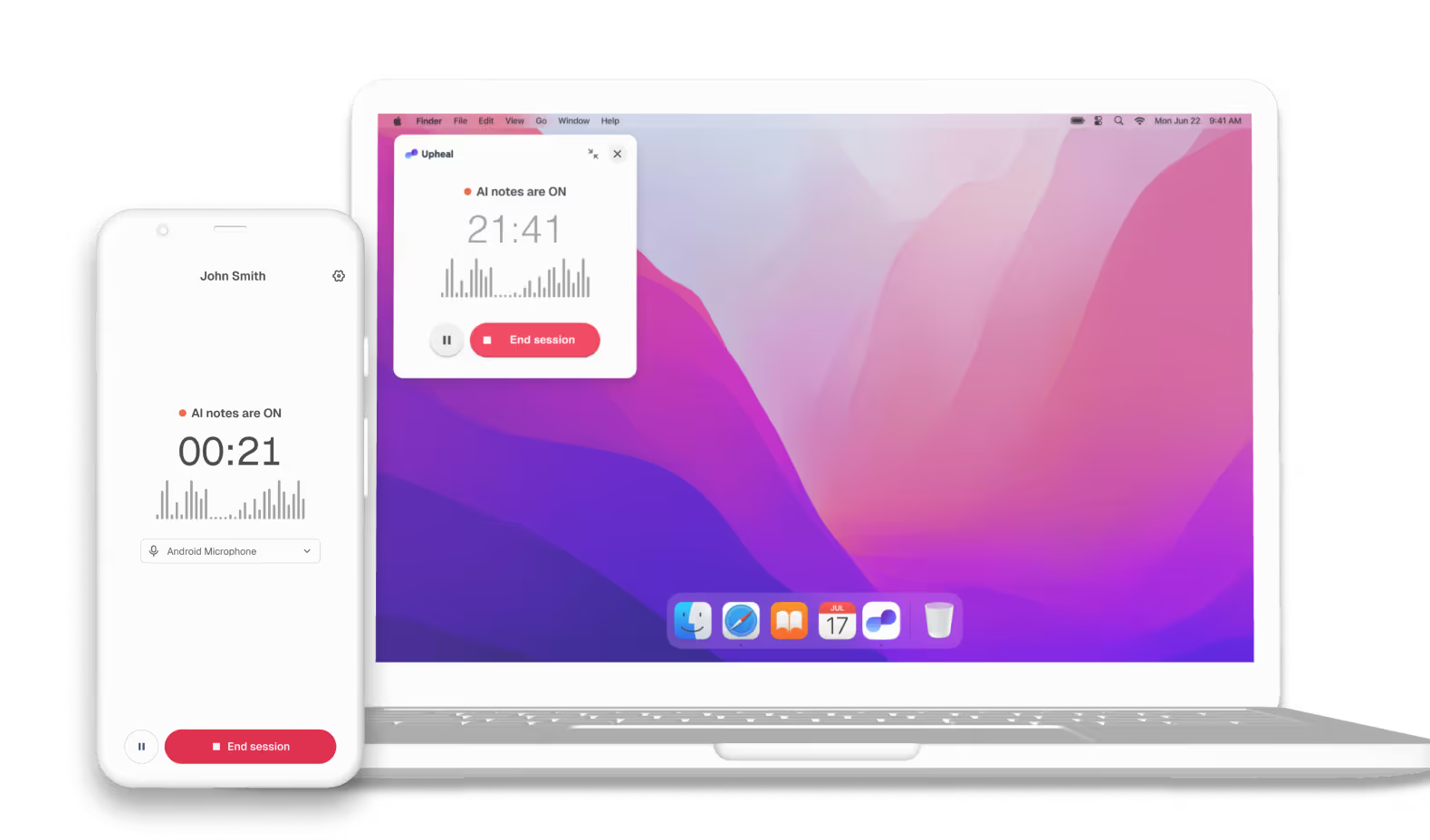


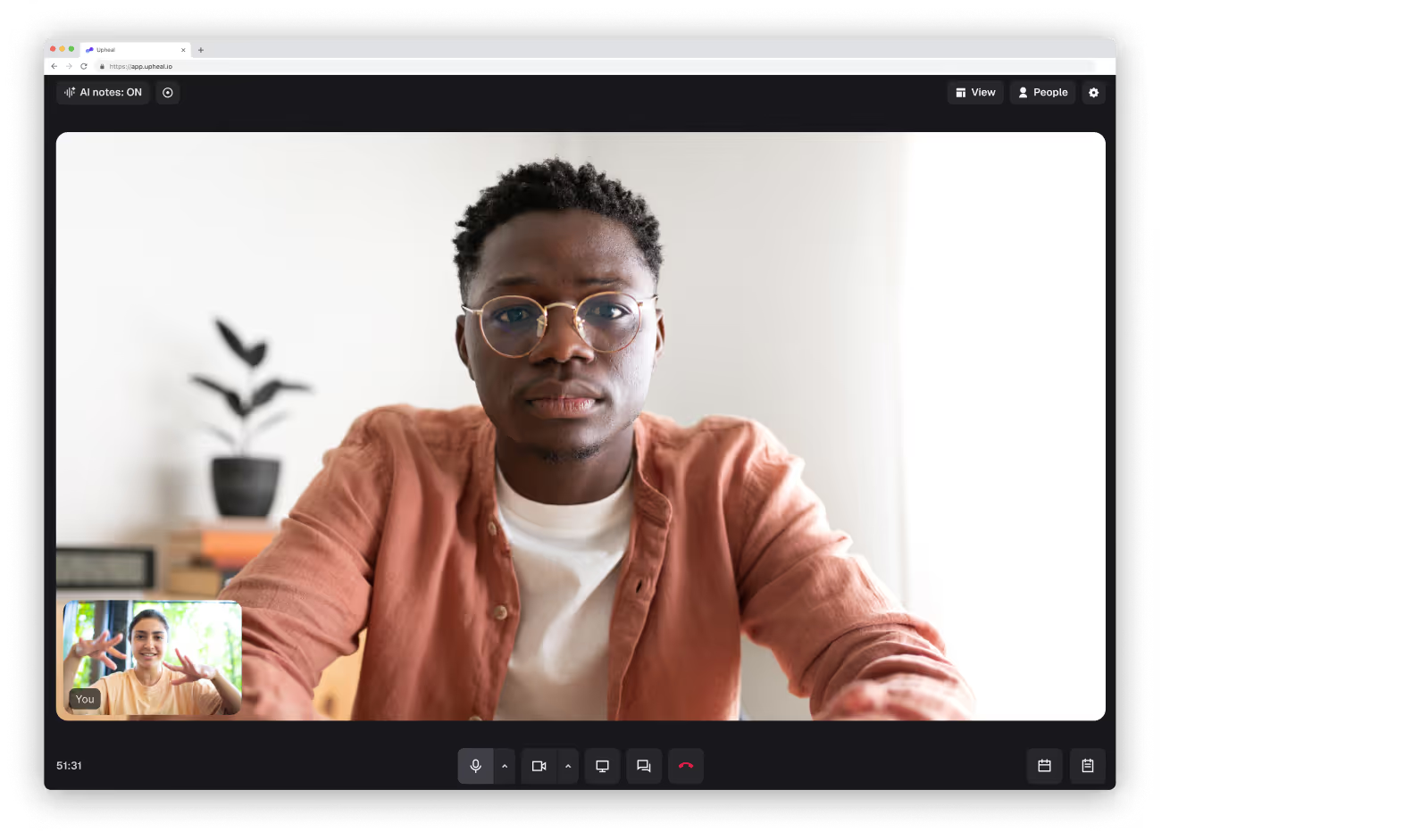

Yes. Upheal's built-in video platform is HIPAA compliant and SOC 2 Type II certified. It's part of the Upheal EHR, so your session notes, scheduling, and client records are all in the same place.
Yes. Upheal captures audio from in-person sessions via your browser or the Upheal Recorder app on iPhone, iPad, Android, and MacOS. Clinical notes are created automatically and stored in your EHR.
No. Upheal includes built-in HIPAA-compliant video calls, so you can run telehealth sessions without a separate app. Clients join with one click from the Client Portal, with nothing to download. Your clinical notes are created automatically after each session and saved to the client's record. If you'd rather keep using Zoom or another video tool, Upheal can capture audio from any browser tab or desktop app instead.
Yes. Upheal captures audio from Zoom and other calling tools via any browser tab or desktop app. You can also use the Upheal Zoom app to hold sessions in Zoom with notes created directly in Upheal.
Notes, scheduling, billing, and client records in one platform. Pay only for the sessions you see, only €0.85/session, capped at €59/month.


