Available soon in your location
Payments

Integrated payment processing for your therapy practice

Upheal includes invoicing and payment processing, so billing follows when a session ends. Or tell Upheal Assistant what you need and it handles the rest.

Payments

Clients pay in the Client Portal

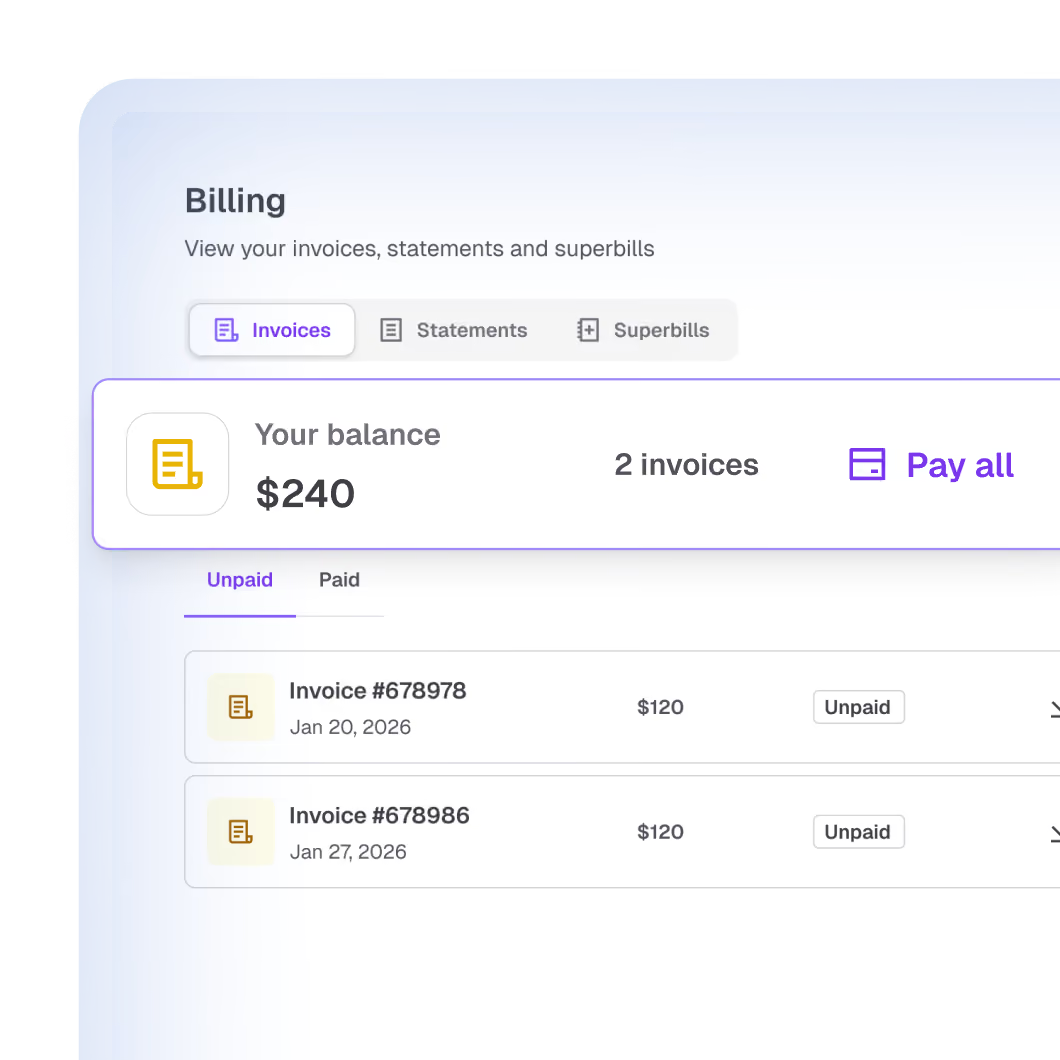
Your clients can view invoices and superbills, check what they owe, pay online, and update their own card, all from the Client Portal. No more "can you resend that invoice?" emails, and no chasing expired cards.
Clients pay in the Client Portal
HIPAA-compliant credit card processing

HIPAA-compliant credit card processing

Accept credit and debit card payments with integrated, HIPAA-compliant payment processing. Apply partial payments and set rates per session type, with no separate billing app. When a card declines, Upheal Assistant drafts the follow-up for you. You confirm anything that moves money.

Every client balance, one click to settle

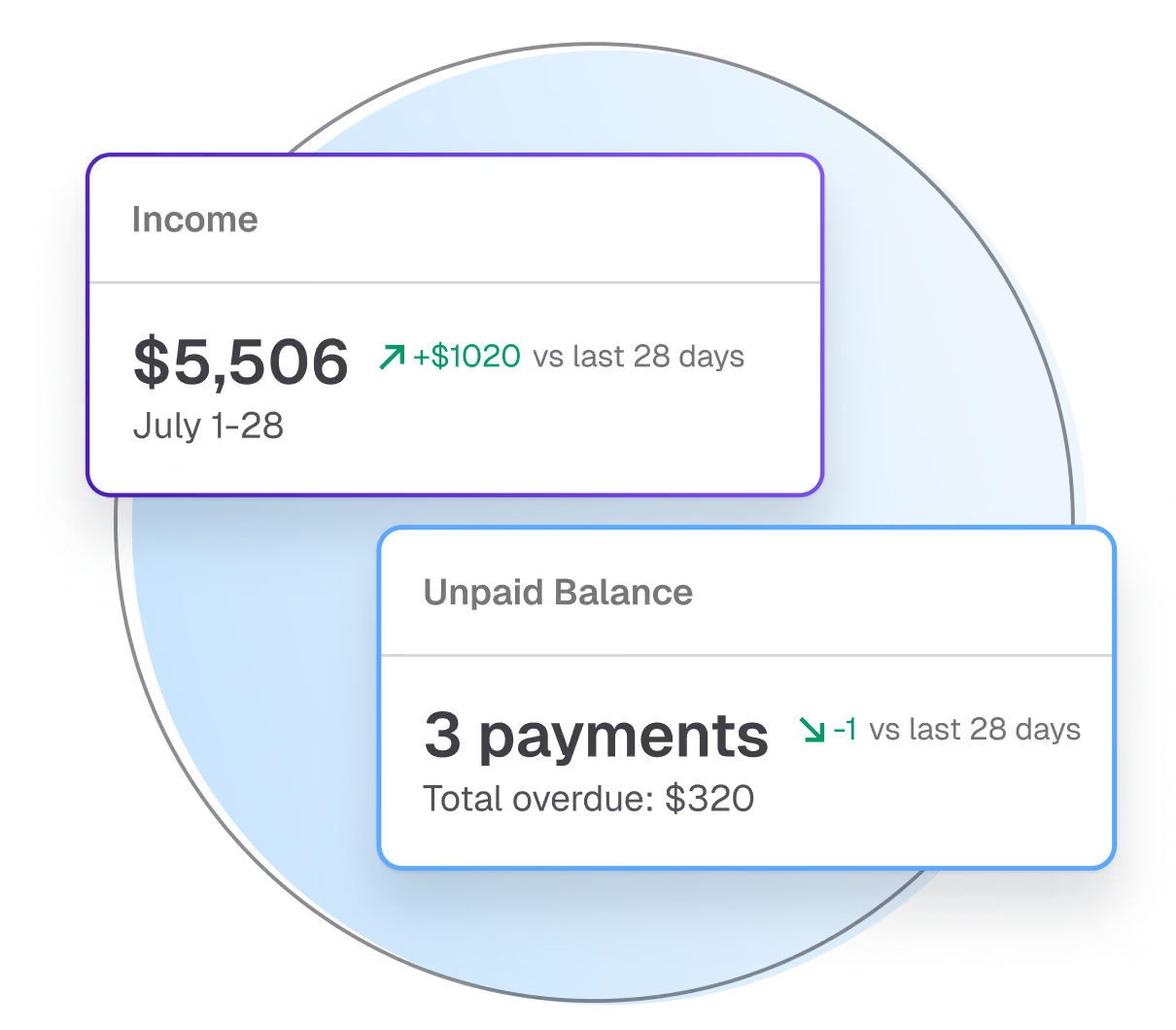
Each client has a running balance that updates as you invoice and log payments. Clients see the same balance in the portal and can pay the whole thing in one click.
Every client balance, one click to settle
Collect cards during intake

Collect cards during intake

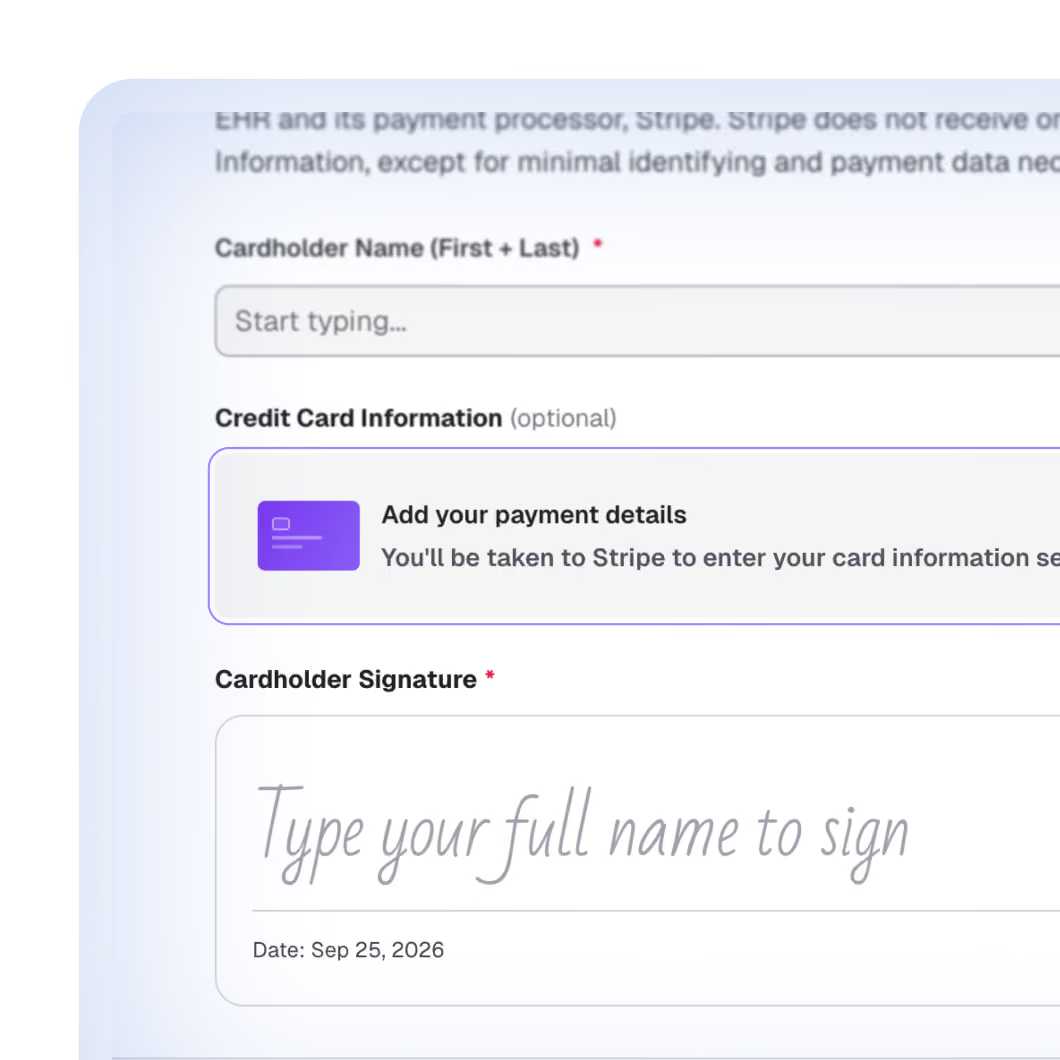
Add card collection to your intake forms. The card is saved during onboarding, so there's no separate payment step before the first session.

Low, transparent processing fees

Card payments are 2.9% + $0.30 per transaction. No separate payment app and no extra subscription.
Low, transparent processing fees
Every payment type in one place

Every payment type in one place

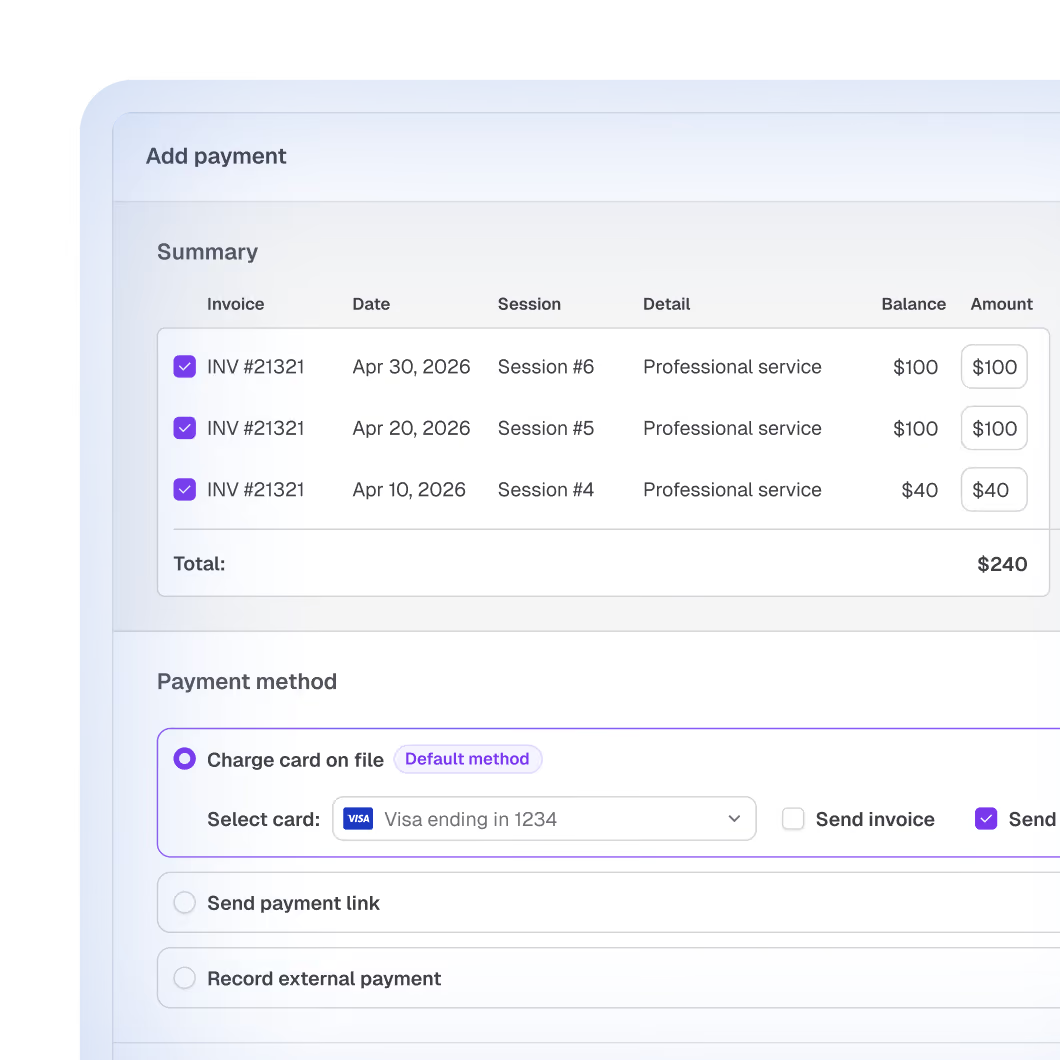
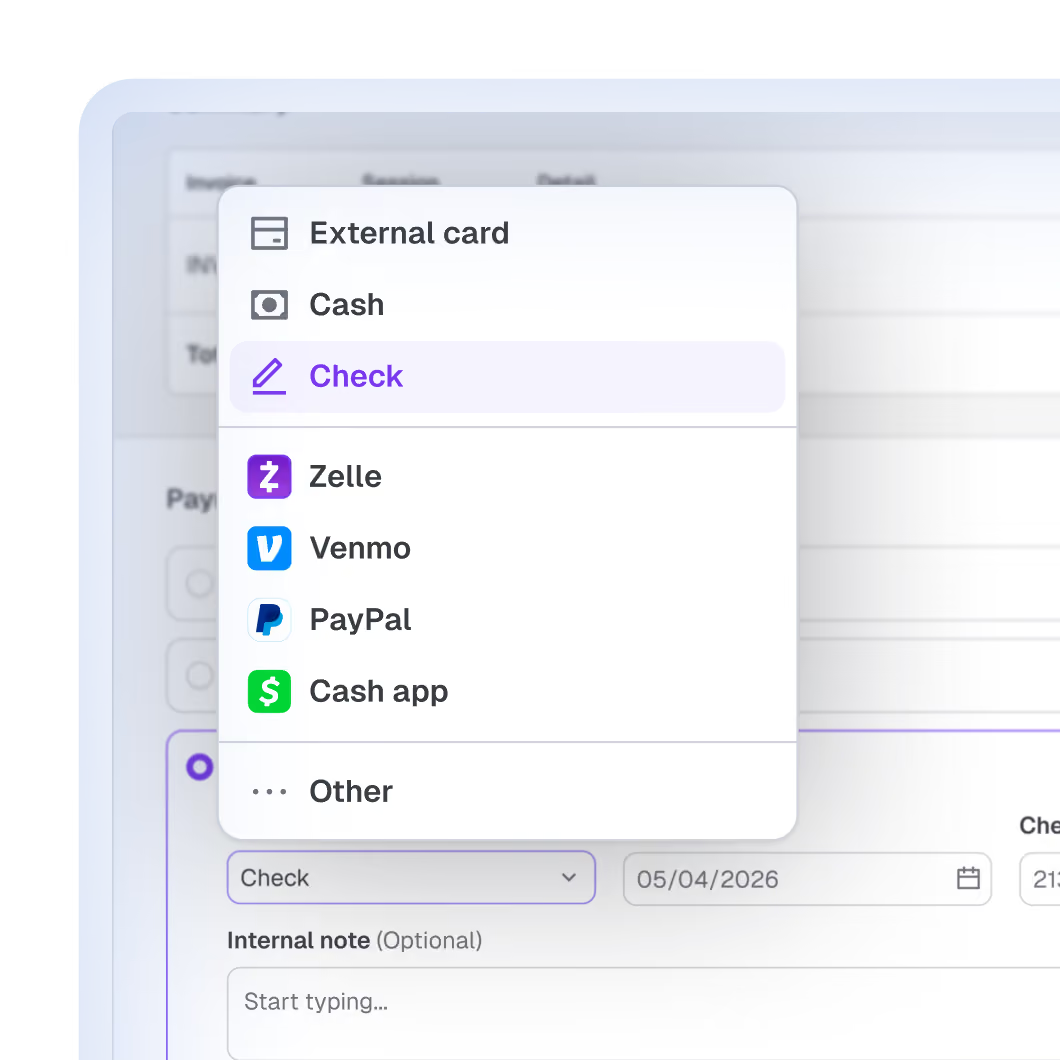
Log card charges, cash, checks, Venmo, Zelle, or anything else. Split payments, apply credits, and pull statements anytime. Or just tell Upheal Assistant what came in.

Switching from another EHR? When you log a payment you collected outside Upheal, the invoice is marked paid and your client doesn't get a surprise email. Move your books over without confusing anyone.

Automatic superbills

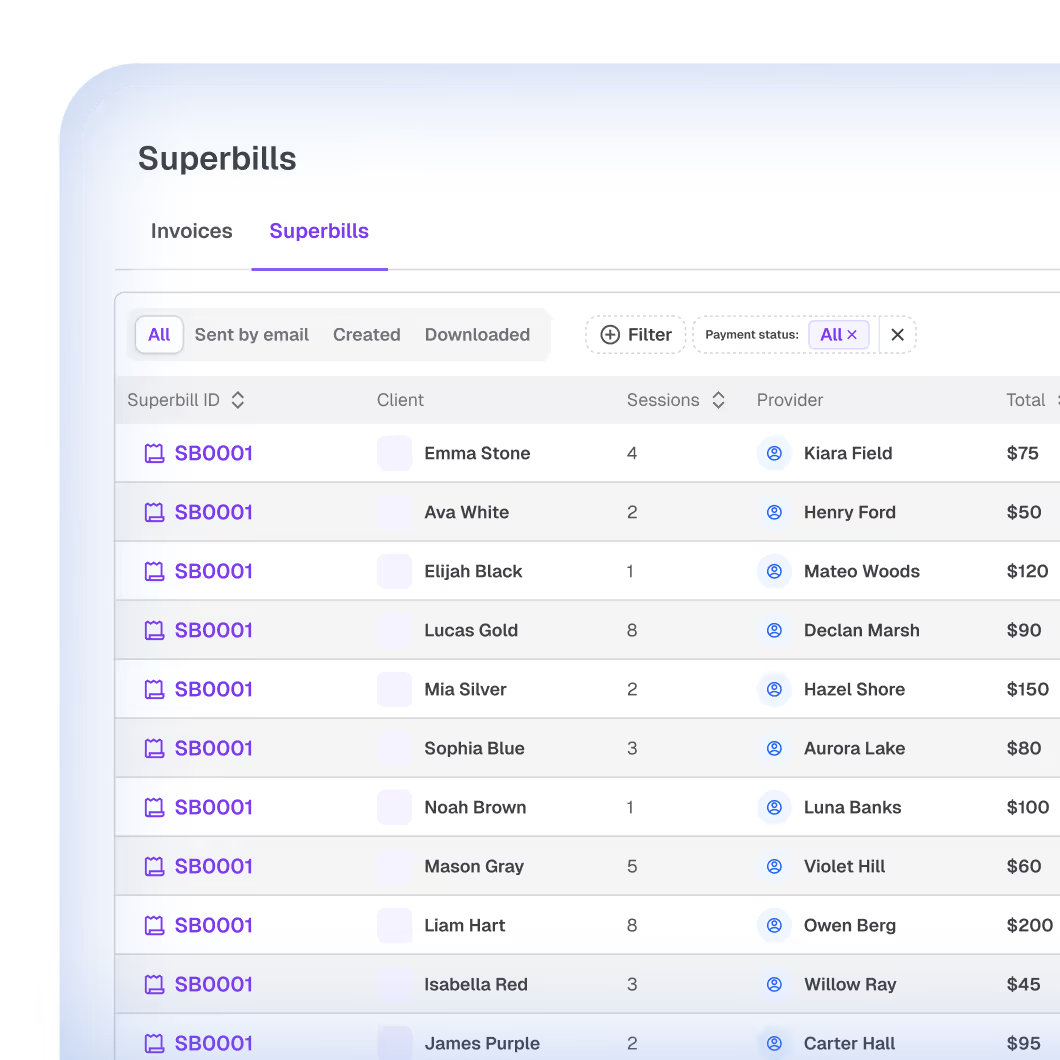
Upheal creates superbills from your session notes and diagnosis codes automatically. Send them in one click, or ask Upheal Assistant. Clients can also download them from the Client Portal.
Automatic superbills

Your most popular FAQs

How does Upheal payment processing work?

Payment processing is built into Upheal, so there's no separate app to connect. Send an invoice, and clients pay by credit or debit card, either in the Client Portal or with a card saved during intake. You can also log cash, checks, Venmo, and Zelle, split payments, apply credits, and generate superbills, all in the platform.

How do I take credit card payments for my therapy practice?

With Upheal, you set up payments once. Then you collect a card during intake, charge it after a session, or send an invoice clients pay online in the Client Portal. Card payments are 2.9% + $0.30 per transaction.

Can clients pay copays and balances online?

Yes. Clients see their current balance, invoices, and superbills in the Client Portal and can pay the full balance in one click. They can also update their own card, so an expired card doesn't mean a phone call. For telehealth practices, that means clients can pay copays and balances from home without anyone collecting a card over the phone.

Will switching to Upheal send my clients confusing emails?

No. When you log a payment you collected outside Upheal, the invoice is marked paid and your client isn't emailed.

Does Upheal automatically charge clients (autopay)?

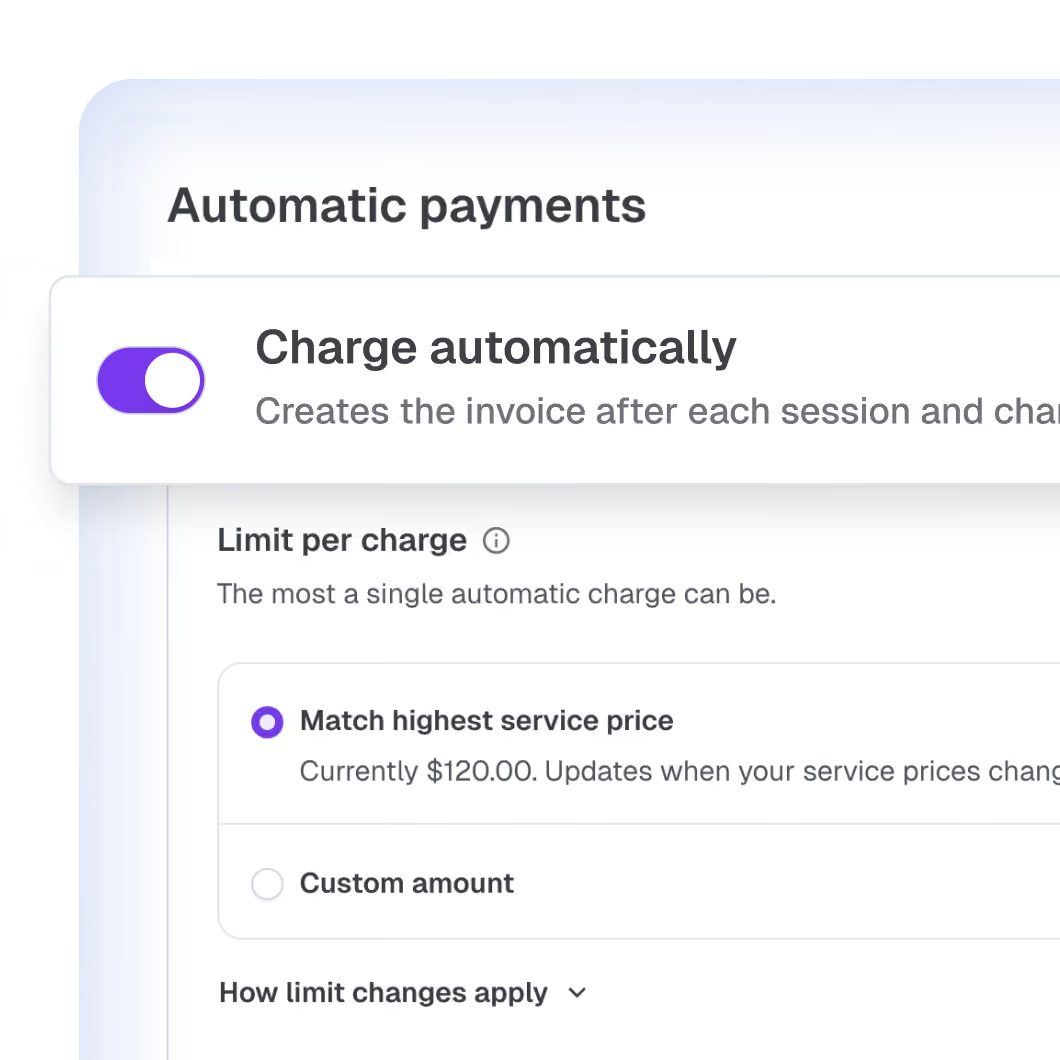
Not yet. Autopay, which charges the card on file automatically, is in progress. Automated payment reminders are planned. For now you charge saved cards in one click, and clients can pay anytime from the portal.

Do I need a separate billing app?

No. Invoicing, payment processing, balance tracking, client statements, and superbills are included with the EHR.

Is Upheal payment processing HIPAA compliant?

Yes. Upheal is SOC 2 Type II audited and HIPAA compliant, and client payment data is processed securely.

What does Upheal cost?

Billing is part of our full EHR, together with AI notes, scheduling and client records. That's A$1.45 per session on Pay-as-you-go or A$149/month on EHR Pro.

I bill insurance. Is this the right page?

This page covers client payments. For insurance claims, see Insurance Billing. Still deciding whether to take insurance at all? Compare insurance and private pay on your take-home with our free calculator.

Can Upheal handle billing for me?

Managed Billing, where Upheal's billing team handles billing for you, is currently on a waitlist. Join the waitlist.

The complete AI-native EHR for private practice

Notes, billing, scheduling, and client records in one platform, handled with a single prompt. Included in our EHR plans. Pay A$1.45 per session, or A$149/month flat.

Join our free webinar

In 20 minutes, we'll walk you through migrating your data, setting up payments, connecting your calendar, and covering data privacy — live, every Monday.

Save my spot

How many clinicians are in your practice?

100% HIPAA-compliant
Unlimited AI notes
Free plan